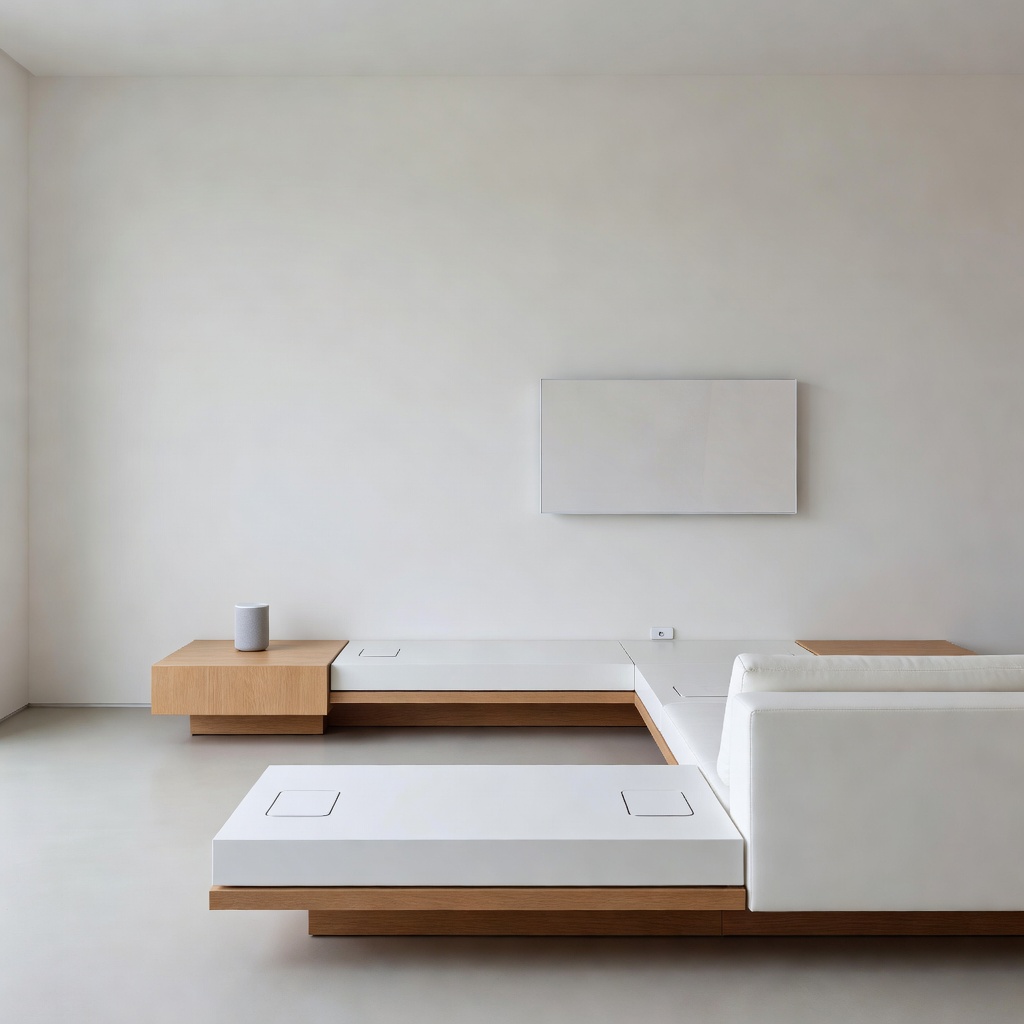
The Hiding Cables and Smart Devices in Home Design Revolution: A Brandon’s Perspective
By Brandon Konarski
Introduction: The Clutter-Free Revolution Begins
As a programmer who spends most of his time optimizing code and systems, I can’t help but apply the same principles to my living space. Just like messy code leads to bugs and inefficiencies, visible cables and poorly integrated smart devices create visual chaos that affects our daily productivity and mental state. The trend of hiding cables and seamlessly integrating smart devices into home design isn’t just about aesthetics—it’s about creating efficient, distraction-free environments that let technology serve us without dominating our spaces.
I’ve been following this trend closely, and from my technical perspective, the solutions available today are impressive. We’re moving beyond the era of entertainment centers with nests of HDMI cables and power strips. Modern homes are being designed with cable management as a core architectural feature, not an afterthought.
The Technical Reality of Cable Management
Why Visible Cables Are a Problem
From an engineering standpoint, exposed cables represent multiple failure points. They’re prone to damage, create dust traps, and can even pose fire hazards when bundled improperly. But beyond the technical issues, there’s the psychological impact. Studies have shown that visual clutter increases cortisol levels—your body’s stress hormone. When I look at a desk with cables snaking everywhere, I see entropy, and as someone who values order, that bothers me deeply.
Modern Solutions: Beyond the Cable Tie
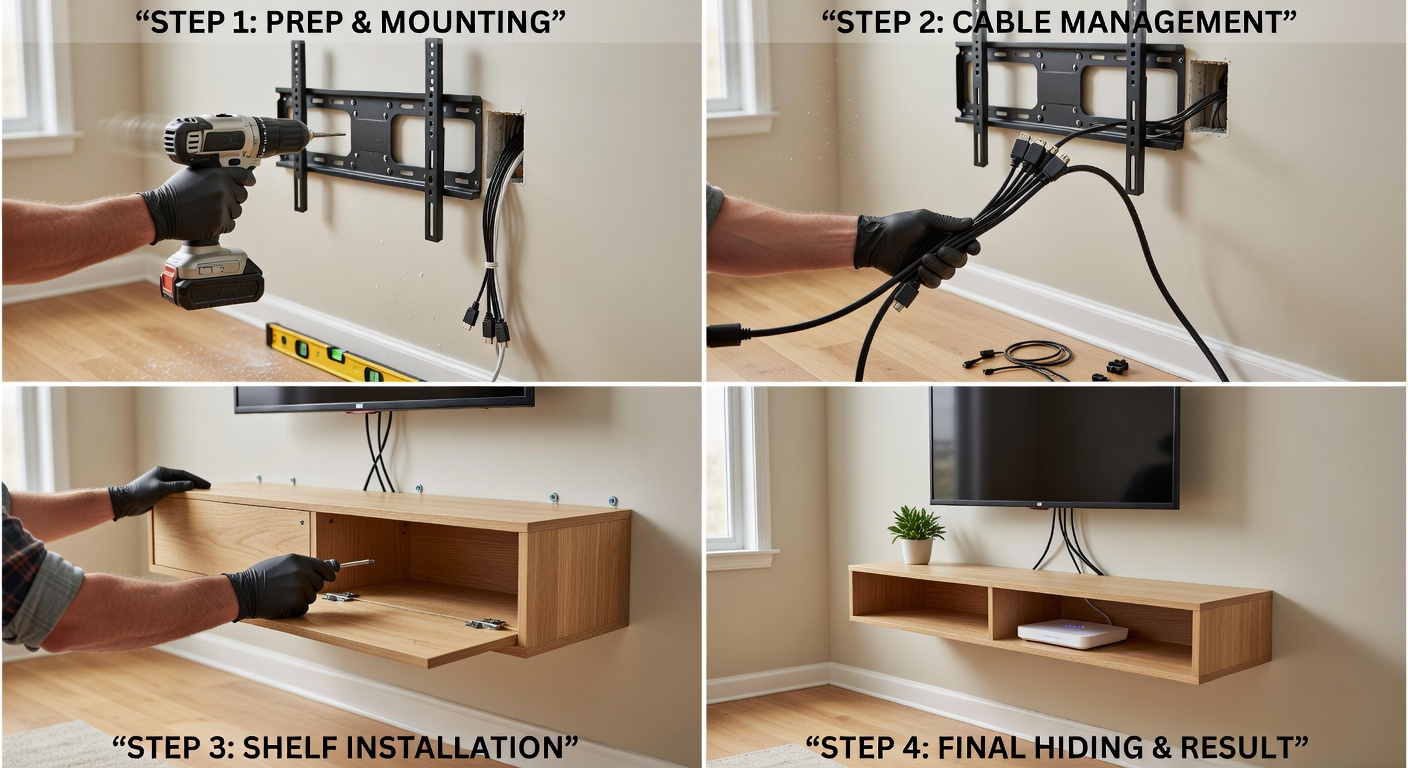
Today’s cable management goes far beyond velcro ties and cable boxes. We’re talking about:
- In-wall cable routing: Running cables through walls during construction or renovation, with dedicated conduit systems that allow for future upgrades.
- Furniture-integrated solutions: Desks, TV stands, and entertainment centers designed with built-in channels, grommets, and power outlets.
- Wireless alternatives: Technologies like Wi-Fi 6E, wireless HDMI, and Bluetooth have eliminated many cable needs entirely.
- Under-floor and baseboard systems: Specialized raceways that blend into architectural elements.
The key insight here is that proper cable management should be planned at the design stage, not retrofitted. If you’re building or renovating, now is the time to think about where your cables will live.
Smart Device Integration: The Invisible Home
Moving Beyond the Gadget Aesthetic
Early smart home devices were designed to look futuristic—glowing rings, prominent LED indicators, and bulky plastic casings that screamed “technology product.” This approach has thankfully evolved. The best smart home devices of 2026 are nearly invisible.
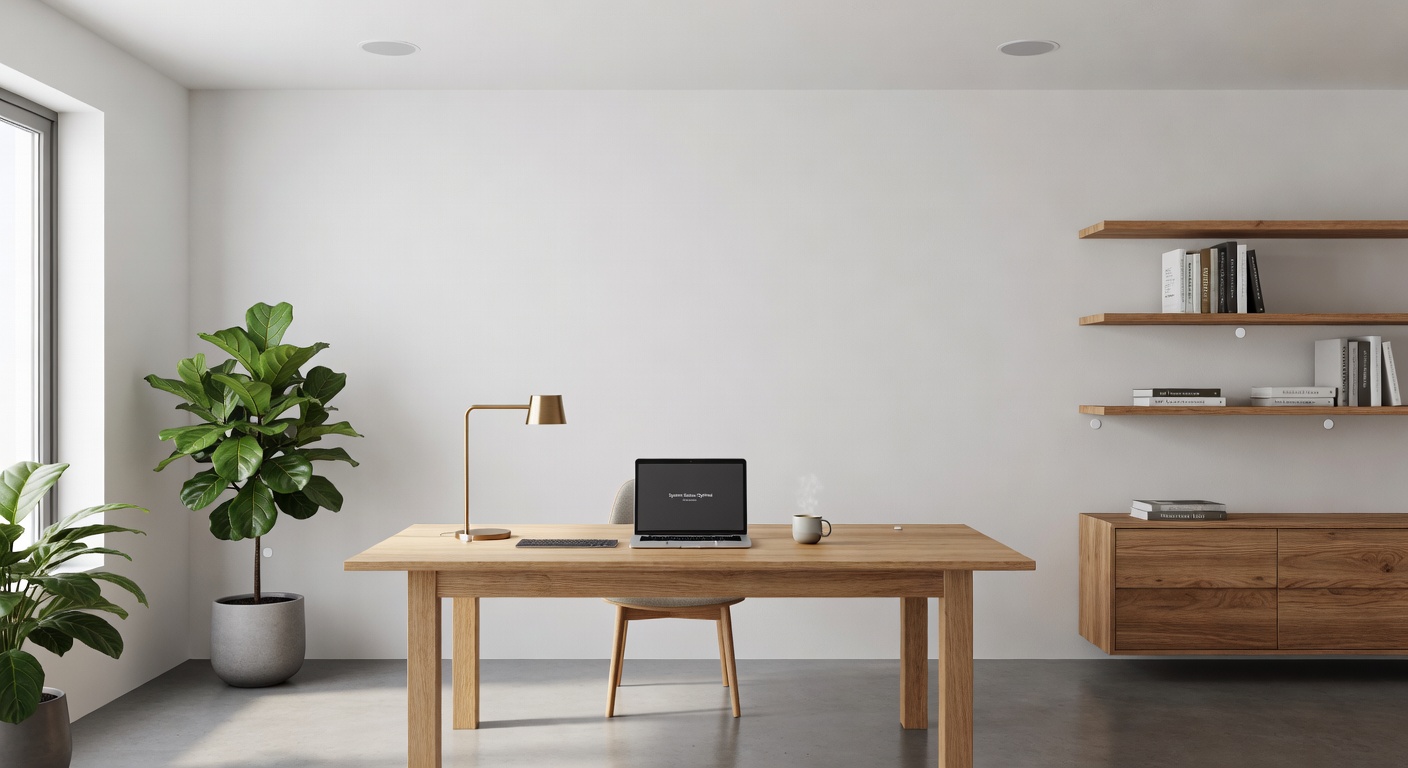
Take smart speakers, for example. Instead of countertop units, we’re now seeing ceiling-mounted speakers that look like standard architectural elements. Smart displays are being replaced by minimalist screens that double as artwork or mirrors when not in use. The technology has matured to the point where it can be subtle.
The Role of Standards and Compatibility
From a programmer’s perspective, the fragmentation of smart home protocols has been frustrating. But we’re finally seeing convergence. Matter protocol adoption has simplified integration, and more manufacturers are designing products that work together out of the box. This matters because it means you can choose devices based on how well they fit your aesthetic, not just technical compatibility.
I’ve been experimenting with various systems in my own setup, and the difference is night and day. A unified ecosystem where lighting, climate control, and security devices communicate seamlessly—and invisibly—isn’t just possible; it’s becoming the standard.
Practical Implementation: Room by Room
The Living Room: Entertainment Center Zero-Visibility
The living room is often the biggest challenge because it’s where we have the most devices: TV, gaming console, streaming box, sound system, and various chargers. My recommended approach:
- Wall-mount everything possible: TVs, soundbars, and even gaming consoles can be wall-mounted with proper brackets.
- Use a single power source: A recessed outlet behind the TV can power everything through a single, hidden connection.
- Optical HDMI cables: These are thinner and more flexible, making routing easier.
- Wireless peripherals: Game controllers, keyboards, and remotes should all be wireless and rechargeable.
The Home Office: Productivity Through Simplicity
As someone who works remotely, my home office is critical. I’ve implemented a “one cable” solution where my laptop connects to a Thunderbolt dock with a single cable, handling power, displays, and peripherals. The dock itself is hidden in a drawer, with only the necessary cables emerging through grommets.
Smart lighting in the office adjusts based on time of day and task, but the fixtures look like standard recessed lights. The sensors are ceiling-mounted and blend into the smoke detectors. Everything is automated but invisible.
The Kitchen: Appliances Get Smart Quietly
Modern kitchen appliances increasingly include smart features, but the best designs hide these capabilities. A smart refrigerator shouldn’t look like a computer with a cooling function—it should look like a refrigerator that happens to be smart. The same applies to ovens, dishwashers, and even smaller appliances.
The Future: Truly Invisible Technology
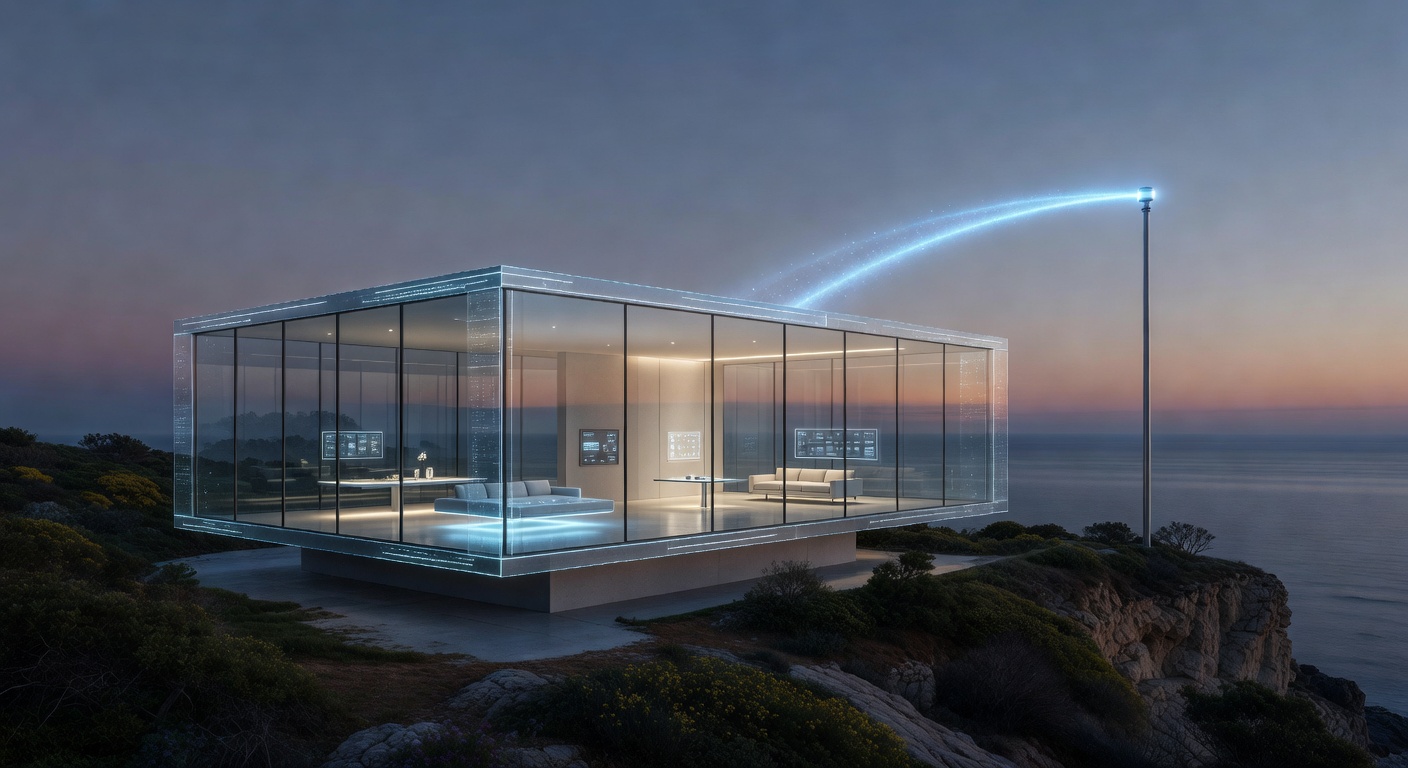
We’re approaching a threshold where technology will become truly ambient. Research into wireless power transmission, already demonstrated in limited applications, could eliminate charging cables entirely. Transparent OLED displays will turn windows into screens when needed. Advanced materials will allow sensors to be embedded in walls, furniture, and even paint.
From my perspective as a technologist, this is the correct trajectory. Technology should be an extension of our will, not a constant visual reminder of its presence. The best interface is often no interface at all.
Getting Started: A Brandon-Approved Action Plan
If you’re convinced by the philosophy but unsure where to start, here’s my practical advice:
Phase 1: Assessment and Planning (Week 1)
- Inventory all devices and their cable requirements
- Identify pain points and visual clutter zones
- Research wireless alternatives for your most-used devices
- Measure spaces and plan cable routes
Phase 2: Quick Wins (Week 2-3)
- Replace obvious cables with wireless alternatives where possible
- Implement cable ties and management boxes for remaining visible cables
- Adjust furniture placement to hide power strips and adapters
Phase 3: Strategic Upgrades (Ongoing)
- Invest in furniture with built-in cable management
- Consider in-wall solutions for permanent installations
- Upgrade to smart devices that prioritize subtle design
- Implement a unified smart home platform for seamless control
Related Reading
If you’re interested in smart home technology and efficient living, check out these related articles:
- The £7,500 Heat Pump Revolution: A Returnee’s Guide to British Homes Going Green — How modern home systems can be both efficient and invisible
- Why home cogeneration is the future — Advanced home automation that works behind the scenes
- Electric clothes dryer – is it worth buying — Smart appliances for the modern home
Conclusion: The Aesthetic of Efficiency
The movement toward hidden cables and integrated smart devices isn’t about hiding technology out of shame—it’s about respecting the primary purpose of our living spaces. Our homes should be sanctuaries, not server rooms. By embracing these design principles, we create environments where technology enhances our lives without demanding constant attention.
As someone who works with complex systems daily, I find profound satisfaction in a well-designed, clutter-free space. It’s the physical equivalent of clean, well-documented code: elegant, efficient, and a pleasure to experience. The revolution in home design is here, and it’s refreshingly invisible.
Brandon Konarski is a freelance programmer and smart home enthusiast who believes that the best technology is the kind you don’t notice. He writes about efficiency, automation, and the intersection of code and daily life.